

If you're looking for an app to edit videos on your mobile and can't decide between Alight Motion and KineMaster, you're in the right place. Both are powerful tools for content creators, but each has its own focus and strengths. In this article, we’ll compare them in detail—from their creative tools to ease of use, app integration, and 4K export capabilities. By the end, we’ll help you decide which is the best mobile editing app for you, whether you're a beginner or a seasoned editor. Keep reading to find out!

What will you find here? A full comparison of Alight Motion vs KineMaster, including tables, practical tips, and recommendations to help you choose the app that suits your needs best.
Interface and ease of use: Which one is more intuitive?
User experience is key when editing videos on a mobile, especially if you don’t have much time to learn. Both Alight Motion and KineMaster offer well-designed interfaces, but they cater to different types of users. Let’s break it down.
Alight Motion has a modern, visually appealing interface, with a focus on motion graphics and animations. While it's intuitive, it might seem a bit complex at first due to its wide range of advanced tools, such as layer and keyframe editing. It's perfect if you already have some experience or want to explore detailed animations.
KineMaster, on the other hand, is more straightforward, with an interface reminiscent of traditional video editors. This makes it ideal for beginners who want quick results without complications.
Creative tools: Animations vs practical editing
When it comes to creative tools, both apps shine, but their approach is different. Here’s what each one offers so you can see which suits your editing style best.
Alight Motion excels in animations and motion graphics. Its support for vectors, keyframes, and speed-based motion blur allows you to create complex visual effects, like those seen in professional social media videos. For example, you can draw your own vector graphics or fine-tune animations with great precision.
KineMaster, on the other hand, focuses on practical editing: trimming, transitions, chroma key effects, and a library of preset templates. It’s ideal if you want to produce polished videos quickly, but doesn’t offer the same depth in animation as Alight Motion.

- Alight Motion: Advanced animations, vector support, customisable effects.
- KineMaster: Preset templates, chroma key, simple multi-layer editing.
Integration and workflow: How well do they connect with other apps?
In 2025, integration with other apps and an efficient workflow are essential for creators working across platforms. Let’s see how Alight Motion and KineMaster compare in this regard.
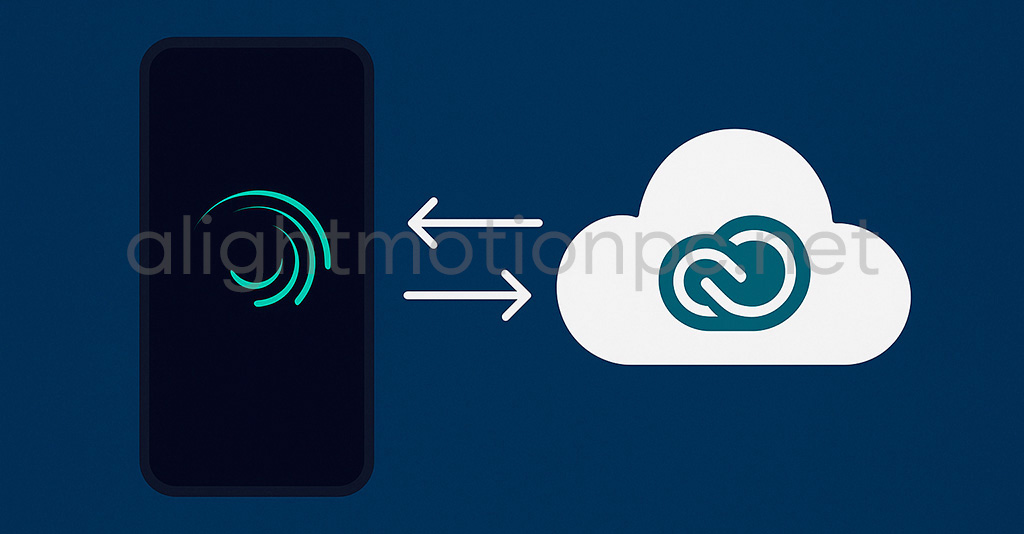
Alight Motion is designed to integrate with external creative tools, such as Adobe Creative Cloud (via exportable compatible files) or graphic design apps. Its ability to import custom fonts and vector graphics makes for a smooth workflow if you're using programs like Illustrator or Photoshop. Plus, its interactive timeline helps organise complex projects with multiple layers, which is ideal for creators needing precision.
KineMaster also offers integration, but it focuses more on social media. You can export directly to platforms like YouTube, Instagram, or TikTok, and its Asset Store lets you download music and effects without leaving the app. However, its compatibility with external design tools is more limited.
Tip: If your workflow includes graphic design or complex animations, Alight Motion is the better choice. For creators focused on social media, KineMaster may be more convenient.
Export and performance: 4K quality and stability
Final video quality and app stability are critical factors. Here’s how Alight Motion and KineMaster handle 4K export and performance on mobile devices.
Both apps allow you to export videos in 4K resolution at 30 fps, but there are differences. Alight Motion offers versatile options, such as exporting in MP4, GIF, PNG sequences, or still images, maintaining high quality even with effect-heavy projects. However, some users report it can be demanding on low-end devices, especially with large projects.
KineMaster also supports 4K and allows bitrate adjustments, but its free version includes a watermark (removable with a subscription). In terms of stability, KineMaster tends to be lighter, whereas Alight Motion compensates with more flexible output formats.
Cost is an important factor when choosing an app. Both Alight Motion and KineMaster offer free versions, but their premium plans unlock key features. Let’s see what each offers.
Alight Motion has a free version with basic functions, but videos include a watermark. Its premium subscription, which removes the watermark and unlocks advanced tools, is competitively priced (around $4.99/month or $28.99/year). KineMaster also has a free version with watermark and limited features. Its premium plan costs about $4.99/month or $29.99/year and includes access to the Asset Store with music and effects. While KineMaster is more attractive to beginners due to its simplicity, Alight Motion offers better value for those seeking advanced tools.
Helpful tip: Alight Motion can be downloaded in a Pro version without watermark via modified APKs.
📥 If you want Alight Motion Pro with unlocked features for free, you can download Alight Motion Mod APK directly with one click.
Start editing: download links
Ready to try one of these apps? Here are direct download links for Alight Motion and KineMaster from the official stores. Both are available for iOS and Android, so choose based on your device and needs.
📱 Alight Motion
🎬 KineMaster
Looking for the APK files?
If you prefer to install the apps using a free APK file that’s compatible with your device, we’ve prepared a section with safe and up-to-date links.
Here’s my take
After thoroughly testing Alight Motion and KineMaster, the choice really depends on what you're after… but if your goal is to create videos with a truly professional and creative edge, Alight Motion takes the lead.
KineMaster is great if you're a beginner or just want to quickly edit something to post on social media. It's easy to use, has templates, and exports directly to TikTok or Instagram without any fuss. But when you're looking to go beyond simple trimming and add animations, motion graphics, and eye-catching effects, that's where Alight Motion truly shines.
With features like vector support, detailed animation controls, and flexible export options, this app is built for creators who want to do big things from their phone. Sure, it might take a bit longer to learn, but once you’ve mastered it, there’s no limit to what you can create.
If you genuinely want to stand out rather than just follow the crowd, Alight Motion is your best ally. Download it today and start turning your ideas into spectacular videos.
- Interface and ease of use: Which one is more intuitive?
- Creative tools: Animations vs practical editing
- Integration and workflow: How well do they connect with other apps?
- Export and performance: 4K quality and stability
- Pricing and plans: Free or premium?
- Start editing: download links
- Here’s my take
Leave a Reply