
Echoing Blur Text – Echo Effect with Blur for Alight Motion
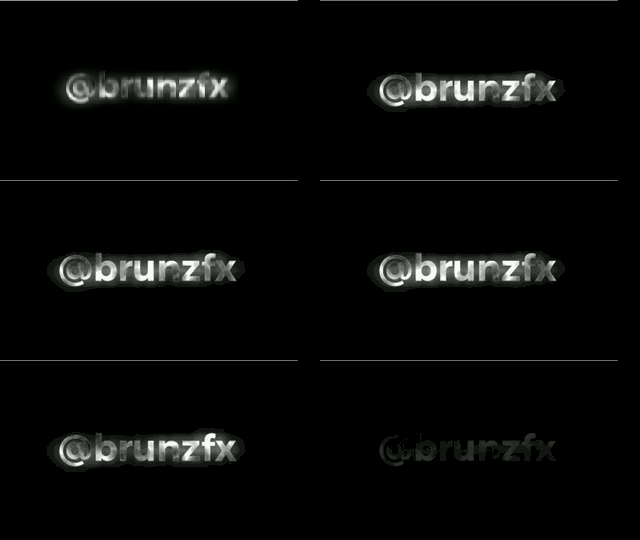
The Echoing Blur Text preset introduces a sophisticated visual echo effect that simulates multiple layers of blur, as if the text were leaving a trail through time.

This animation delivers an elegant, energetic look with a futuristic touch—perfect for modern intros or visually impactful transitions.
🔊 What’s included in this preset?
- Echo or duplicate effect: the text appears followed by fading blurry layers.
- Progressive blur: the effect adds depth and creates a sense of movement in space.
- Centred animation: ideal for titles or key phrases.
✨ When to use Echoing Blur Text
- Eye-catching intros for tech or sci-fi videos.
- Clips aiming to convey modernity or innovation.
- Short videos with prominent text over a neutral background.
⚙️ Customise to your liking
- Control the number of echo repetitions.
- Adjust the blur to achieve a subtler or more dramatic result.
- Perfectly adaptable to both short and long text.
📲 How to add it in Alight Motion
- Click the download button below.
- Open Alight Motion and tap “Import Project”.
- Select the XML file from your files.
- Edit the text and colours to match your visual style.
Echoing Blur Text is a versatile preset that blends simplicity with dynamism, capturing the viewer’s attention in the first few seconds of your video.
In case you’re not sure how to do it, here’s a video that explains it:
Best free presets for Alight Motion
Curated text, transitions, color looks & overlays — download + mini tutorials.
Open PresetLoom →